Troubleshooting: Servo Drive Positioning Drift in High Heat
Servo positioning drift in hot environments usually stems from thermal derating, poor ventilation, or encoder faults. Check ambient temperature, verify drive cooling, and inspect feedback signals to restore accurate positioning.
- High ambient heat reduces drive power and can cause servo positioning drift if cooling is inadequate.
- Inspect ventilation paths and confirm that thermal derating matches the actual operating environment.
- Verify encoder feedback and signal integrity to rule out intermittent faults caused by heat.
- Adjust acceleration and torque settings to reduce thermal load during sustained high-heat operation.
- Monitor drive temperature alarms and logging data to detect drift before it becomes a production issue.
What Is Servo Positioning Drift in Hot Environments?
Servo positioning drift is a loss of accuracy where the motor position reported by the drive no longer matches the physical position of the shaft. In a cold, well-ventilated room, the same machine may hold a tolerance of a few microns. In a hot enclosure, that same tolerance can expand, causing the tool to miss the target or the arm to stop short. The drift is not random noise. It follows a pattern. It gets worse as the drive and motor warm up and often stabilizes once the equipment cools down.
Common Symptoms to Watch
Before opening the cabinet, look for the signals that point to thermal or feedback problems.
- The positioning error grows slowly after the machine starts and does not reset when the cycle repeats.
- The drive shows a thermal warning or derating message before the position error becomes obvious.
- The error changes direction when the axis reverses, which suggests friction or mechanical binding rather than pure feedback loss.
- The drive logs a transient communication loss with the encoder during high-load moves.
- The motor case is too hot to touch comfortably during sustained runs.
These symptoms separate heat-related drift from a failing encoder or a loose coupling. A loose coupling usually produces a step error that appears immediately. A heat-related drift grows as the electronics warm up.
Thermal Derating and Power Loss
The drive electronics have a maximum internal temperature. When that limit is approached, the drive reduces the power it allows. This process is called thermal derating. A reduced power output means lower available torque. If the machine is fighting friction, gravity, or a heavy load, the motor cannot hold the target position. The drive commands a position, but the motor slips slightly. The position error grows.
This is more common in high ambient servo applications where the cabinet is sealed, the drive sits close to the power supply, and airflow is restricted. The drive may still show normal voltage and current, but the torque limit is lower than the nameplate value. The fix is usually not a software change. It is a cooling change.
The Troubleshooting Table
Use the table below to match the symptom to the likely cause and the correct action.
| Symptom | Likely cause | What to do |
|---|---|---|
| Position error grows after 10 to 30 minutes of continuous operation | Drive thermal derating reduces available torque | Improve cabinet airflow, add a cooling fan, or move the drive to a cooler zone. Verify the thermal derating curve matches the actual ambient temperature. |
| Drive shows a thermal warning before the position error appears | Ambient temperature exceeds the rated operating range | Lower the machine speed or reduce the torque demand. Check if the drive is rated for the high ambient servo temperature in the installation. |
| Position error is present but resets after a full power cycle | Intermittent encoder feedback due to heat expansion or connector wear | Inspect encoder cables for chafing. Check connector pins for corrosion. Verify the encoder is securely mounted. |
| Error changes sign when the axis reverses direction | Mechanical friction or a worn bearing causing heat build-up | Lubricate the drive train. Check alignment of belts or couplings. Replace worn bearings if the motor case is significantly hotter than the housing. |
| Drive reports no fault, but position drifts only during high-load moves | Insufficient torque margin for the load at high temperature | Reduce acceleration. Increase the torque limit if the drive allows. Verify the load does not exceed the derated torque rating. |
| Position drift is constant and does not change with temperature | Encoder or scale failure, not a thermal issue | Replace the encoder or scale. Check for a damaged cable that is independent of heat. |
Fixing the Cooling Path
Most high ambient servo drift is a ventilation problem. The drive needs a path for warm air to leave the cabinet. If the cabinet is sealed, the heat from the drive, the VFD, and the power supplies accumulates. The drive may be perfectly healthy, but it cannot operate at full power.
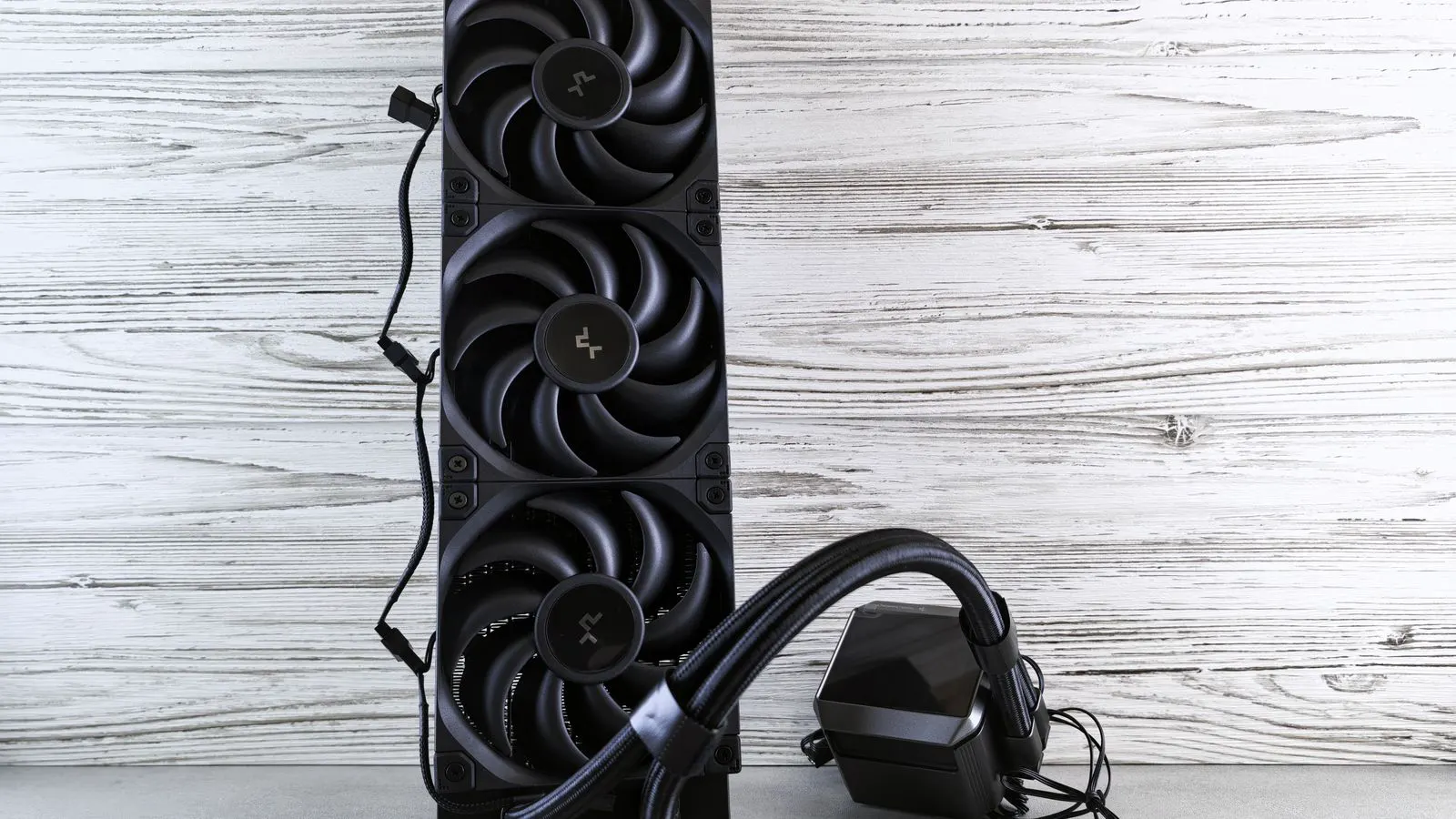
Check the physical layout first. Is the drive mounted next to a large power converter? Is the intake vent blocked by cable trays or a filter? Is the exhaust vent covered by a panel? Clean the filters. Remove obstructions. If the cabinet is sealed, add an intake and exhaust fan pair. A single fan will just push air around. A pair creates a flow path.
If the cabinet is already ventilated and the drift continues, the drive may be rated for a lower ambient temperature than the installation provides. A drive rated for 50 degrees Celsius will derate sooner in a 65 degree enclosure than in a 40 degree room. The fix may be a different drive model with a higher thermal rating or a heat sink with a larger fan.
Checking the Feedback Loop
If the cooling is adequate and the drift remains, the problem is in the feedback. Heat can cause intermittent faults in the encoder or the signal path. The encoder is usually mounted on the motor shaft or on a remote shaft. Heat expansion can shift the alignment slightly. A connector can expand and lose contact. The cable can touch a hot surface and degrade.
Inspect the encoder connection. Look for a loose set screw on the encoder shaft. Check the cable for abrasion where it enters the cabinet. A common mistake is routing the encoder cable near a high-current power cable. The heat from the power cable can degrade the encoder signal. Separate the cables. Use a shielded cable if the installation is electrically noisy.
Also check the drive parameters for the encoder resolution and the feedback source. If the drive is set to use an incremental encoder but the system requires absolute positioning, the drift can appear after power cycles. Verify the parameter setting matches the physical hardware.
Adjusting Motion Parameters for Heat
When the thermal limit is the cause, the fix is often a change in the motion profile. A high acceleration demand puts a high current demand on the motor. In a hot environment, that current causes more heat, which derates the drive, which reduces torque, which causes drift. It is a loop.
Reduce the acceleration and deceleration values. This lowers the peak current. The move takes slightly longer, but the thermal load is lower. If the machine has a sustained high-torque segment, reduce the speed during that segment. The drive will generate less heat.
Do not simply raise the torque limit to compensate. That increases the heat. The goal is to keep the drive below the derating threshold. If the machine cannot run at the required speed without derating, the cooling must be improved or a larger motor and drive must be selected.
Prevention and Monitoring
Prevention is cheaper than production downtime. Monitor the drive temperature. Most drives have a temperature sensor that reports the internal electronics temperature. Log that value. If the temperature rises above a set threshold, the machine should slow down or stop before the drift becomes a quality issue.
Set the drive alarm threshold lower than the maximum derating point. For example, if the drive derates at 80 degrees Celsius, set the alarm at 70 degrees Celsius. This gives the operator time to act. Also check the ambient temperature of the cabinet. A temperature sensor on the cabinet wall is more useful than a sensor inside the drive.
Review the machine layout during maintenance. If a new drive module is added, check if the airflow is still adequate. If a filter is replaced, check if the new filter restricts airflow more than the old one. These small changes can cause drift to appear months after the machine was installed.
When to Replace the Hardware
Some drift is not a thermal or parameter issue. If the cooling is good, the feedback loop is clean, and the motion parameters are low, but the drift remains, the hardware may be failing. The encoder may have a damaged scale. The motor bearings may be worn and creating excess friction. The drive power stage may be degrading.
In those cases, replacement is the only option. A new drive with a higher thermal rating may not fix a failing encoder. A new motor may not fix a degraded power stage. The troubleshooting table above helps isolate the issue. If the cause is not in the table, replace the component that is showing the most signs of wear.
Final Check
Run the machine through a full cycle after the fix. Monitor the position error for the duration of the run. If the error stays within tolerance, the fix works. If the error grows, the thermal limit is still being hit. Improve the cooling or lower the load. Do not leave the machine running with a known drift. The drift can damage the tool, the workpiece, or the drive itself.
Frequently asked questions
Can a servo drive cause positioning drift without a fault code?
Yes. Thermal derating reduces power without always triggering a fault. The drive may simply lower the torque limit, causing the motor to slip and the position error to grow.
How do I know if the drift is thermal or mechanical?
Thermal drift grows as the machine warms up and stabilizes at a higher error. Mechanical drift often appears immediately or changes direction when the axis reverses due to friction or misalignment.
Is adding a fan enough to stop servo positioning drift in a sealed cabinet?
Often yes, if the fan creates a proper intake and exhaust flow. A single fan may just circulate hot air. A pair of fans, one in and one out, provides a continuous path for cooling.
What if the drive is rated for the ambient temperature but still derates?
Check the actual internal temperature of the drive. The cabinet may be at the rated ambient, but the drive itself may be hotter due to poor airflow or proximity to other heat sources.
Should I raise the torque limit to compensate for drift?
No. Raising the torque limit increases current and heat. This accelerates the thermal derating. Lower the load, reduce acceleration, or improve cooling instead.